I’ve watched more enterprise AI projects fail quietly than I care to admit.
Not with drama. Not with lawsuits. Just… abandonment.
A pilot launches. Usage drops. Six months later, no one remembers why it existed.
And almost every time, the post-mortem sounds the same:
“The technology worked. The business didn’t.”
That sentence explains why AI assistant integration in enterprise environments is not a software project. It’s an organizational transformation.
I’m writing this as someone who has personally led more than 30 enterprise AI assistant implementation programs across banking, SaaS, manufacturing, logistics, and healthcare. Some were brilliant successes. A few were expensive lessons.
This guide exists so you don’t repeat those lessons.
We’ll walk through exactly:
Where AI assistants actually deliver ROI
How to design enterprise-grade architecture
How to avoid security, adoption, and integration traps
And how to build something your organization will actually use
No hype. No demos. Just execution.
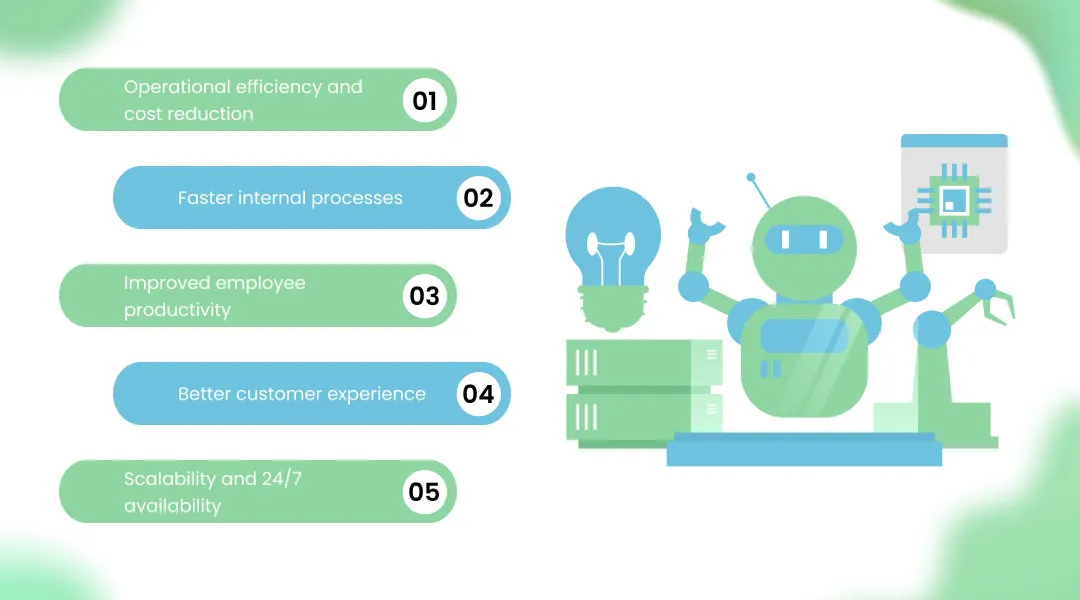
In most enterprises, 30 to 45 percent of human effort is consumed by:
Repetitive questions
Manual lookups
Status updates
Approval chasing
An AI assistant for enterprise operations absorbs this invisible workload.
In one manufacturing client, internal ticket volume dropped by 42% in four months. No layoffs. Just better use of people.
That’s how real savings happen.
Approval chains shorten. Information retrieval accelerates. Escalations become structured.
Speed stops being accidental and becomes designed.
Here’s the quiet truth.
The best enterprise assistants don’t make employees faster.
They make them calmer.
Less interruption. Less context switching. More deep work.
Productivity follows naturally.
Consistency beats personality.
An assistant that answers correctly, instantly, and reliably beats any scripted agent.
Every time.
Volume spikes stop being crises.
Your operation becomes elastic.
This section matters more than any other.
Enterprise assistants touch:
Personal data
Financial records
Contracts
Internal strategy
One uncontrolled model. One misconfigured API. One careless prompt.
And suddenly you have regulatory exposure.
How to secure enterprise data when deploying AI assistants? By designing security into architecture, not bolting it on later.
Most enterprises operate with:
Legacy ERP
Heavily customized CRM
Internal tools with undocumented APIs
Integration complexity usually consumes 40–60% of project effort.
This is why most failures happen before intelligence is even involved.
If employees don’t trust it, they won’t use it.
If leadership doesn’t mandate it, adoption stalls.
AI fails socially before it fails technically.
Enterprise AI must be:
Deterministic when required
Explainable when challenged
Auditable when reviewed
Hallucination tolerance in enterprise = zero.
Start where three things intersect:
High volume
Low complexity
Clear business impact
Ticket classification. Status queries. FAQ handling.
This is where most enterprises begin.
Leave policies. Benefits queries. Onboarding flows.
High trust. High usage. Fast ROI.
Lead routing. Meeting coordination. CRM updates.
Assistants don’t sell. They remove friction from selling.
Password resets. Access requests. Incident tracking.
This category alone often justifies the investment.
Enterprise knowledge is fragmented.
Assistants become navigators inside complexity.
This step separates experiments from systems.
Bad objective: “We want to deploy an AI assistant.”
Good objectives:
Reduce ticket resolution time by 30%
Cut internal support cost by 25%
Improve employee satisfaction score by 15%
Technology follows business intent.
Always.
Track:
First contact resolution rate
Escalation ratio
Answer confidence score
Adoption rate
Uses satisfaction
If metrics don’t move, value doesn’t exist.
How long does it take to implement an enterprise AI assistant? Typically 8–16 weeks for first production release.
What is the cost of AI assistant integration in large organizations? ₹15L–₹80L for most mid-to-large enterprises. Complex regulated systems go higher.
Cheap implementations rarely survive year one.
This decision defines system behavior for years.
Rule-based:
Predictable
Secure
Limited
AI-powered:
Adaptive
Scalable
Requires governance
Most enterprises blend both.
Conversation is an interface. Automation is valuable.
Assistants must act, not just respond.
Is a custom AI assistant better than off-the-shelf tools for enterprises? Yes, once complexity exceeds basic FAQs.
Off-the-shelf works for pilots, but scaling complex workflows requires custom generative AI development solutions that deliver full enterprise compliance, security, and seamless integration.
That’s why enterprises eventually partner with a Best AI development Company instead of stacking SaaS licenses.
This step determines accuracy.
Quietly.
Map every source:
ERP
CRM
HRMS
DMS
Ticketing systems
Gaps here become hallucinations later.
Outdated policies. Contradictory documents. Incomplete records.
AI exposes data quality problems brutally.
Fix them early.
Assistants without action become toys.
Design integration first. Intelligence second.
This is where engineering meets psychology.
Enterprise users want:
Short answers
Clear actions
Predictable behavior
No jokes. No personality experiments.
A single query may involve:
Finance → HR → IT → Manager approval
Your assistant must orchestrate across silos.
Every flow must include:
Confidence thresholds
Exception handling
Human takeover
Never trap users inside automation.
Technology choices create invisible ceilings.
Enterprise models must be:
Stable
Controllable
Secure
Novelty is expensive in production.
Encryption. Tokenization. Data isolation. Logging.
Security architecture must pass audits before pilots.
Regulated industries → on-prem Speed-focused enterprises → cloud Hybrid models dominate now.
If systems can’t talk, assistants can’t work.
This is where discipline matters.
Policies. SOPs. Manuals. Tickets. Version-controlled. Curated. Reviewed.
Garbage in still equals garbage out.
We test:
Edge cases
Policy conflicts
Permission boundaries
Adversarial prompts
Users will find weaknesses faster than QA.
One use case. One department. Controlled rollout.
Expansion follows trust.
Assistants must live inside:
Intranets
Teams
Slack
Portals
Context beats accessibility.
Consistency across channels prevents confusion.
Latency kills adoption. Downtime kills credibility.
This protects leadership.
GDPR. HIPAA. RBI. SOC2. ISO.
Design compliance before coding.
The assistant must understand:
Who is asking. What they can see. What they can do.
Every interaction must be traceable.
Always.
Enterprise AI is never finished.
Monitor:
Drift
Accuracy decay
Adoption trends
Escalation growth
Business evolves. Assistants must follow.
Only after stability. Never before.
Without leadership, adoption stalls.
Always.
Quiet rollouts outperform big launches.
Every time.
AI touches IT, HR, Ops, Legal, Security.
Design must include all.
Static assistants decay.
Living systems compound value.
The next phase is already visible.
Multi-step execution without supervision.
Procurement. Finance. Operations.
Already in pilot stages.
Forecasting. Scenario modeling. Strategic briefings.
Decision intelligence becomes standard.
Assistants orchestrating entire process chains.
Systems managing systems.
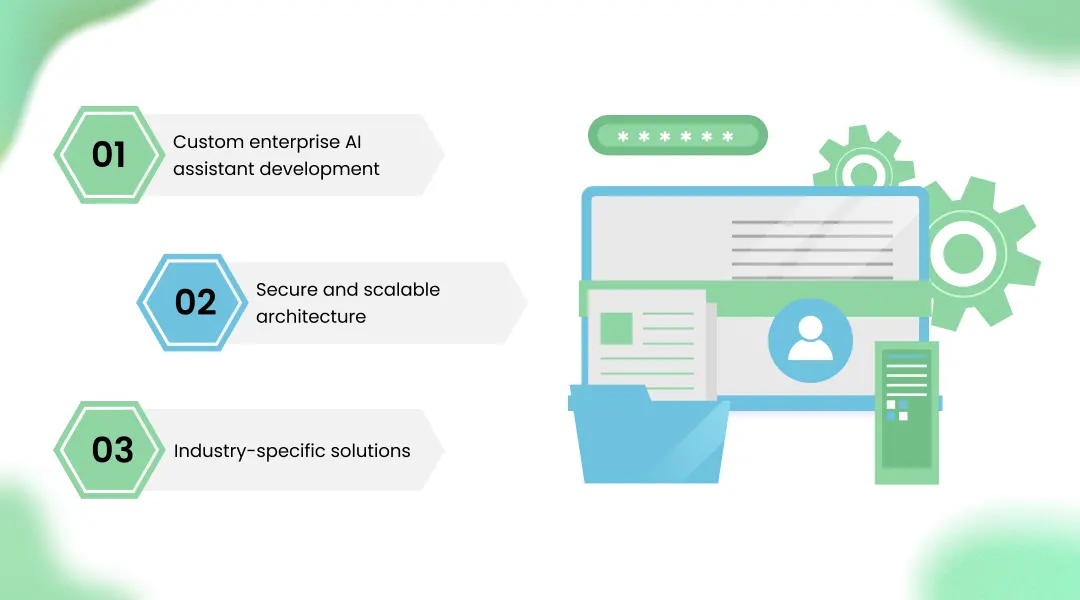
At KriraAI, we don’t sell chatbots.
We build enterprise systems.
Designed around your workflows. Not generic templates.
Built for audits, scale, and longevity.
Banking. Healthcare. SaaS. Manufacturing.
That’s why enterprises searching for a Best AI development Company often choose partners who understand operations, not just models.
Here’s the part most articles won’t say.
AI assistants don’t fail because of models. They fail because of strategy.
Because no one mapped the workflows. Defined the governance. Designed the trust.
If you treat integrating AI assistant in business as an IT task, you’ll get a tool.
If you treat it as operational redesign, you’ll get a capability.
Choose carefully.
Start with internal workflows, enforce role-based access, integrate securely with systems, and run controlled pilots before expansion.
Data leakage and poor adoption. Technical success without trust still equals failure.
No. They remove repetitive work and amplify human decision-making, not replace judgment.
Initial production deployments usually take 2–4 months depending on complexity.
Highly regulated sectors prefer on-prem. Cloud suits scalability when compliance allows.
Founder & CEO
Divyang Mandani is the CEO of KriraAI, driving innovative AI and IT solutions with a focus on transformative technology, ethical AI, and impactful digital strategies for businesses worldwide.