Artificial intelligence is technology that enables computers to perform tasks that typically require human judgment, such as recognizing patterns, understanding language, or predicting what happens next. In a business, that might mean software that flags a fraudulent transaction, answers a customer's question at 11 p.m., or tells you which products will sell out next month. You don't need a computer science degree to use it. You need to know what it can and can't do for a business your size.
This guide walks through the basics of AI, the different types of AI you'll actually run into, and real-world AI examples in business, without the jargon or the hype.
Artificial intelligence (AI) refers to computer systems trained to perform tasks that usually require human thinking, like spotting patterns, making a decision, or generating a piece of text. Instead of following a fixed set of rules a programmer wrote by hand, an AI system learns from examples and gets better (or worse) depending on the quality of the data it's fed.
Think of a new employee on their first day versus a year in. On day one, they follow the manual step by step. A year later, they've seen enough situations to make judgment calls without checking the manual every time. AI models go through something similar during "training," except the manual is data and the judgment calls are statistical predictions, not intuition.
That last part matters. An AI system doesn't actually understand your business the way a person does. It recognizes patterns in the data it was shown and applies them to new situations. That's powerful, but it's also why AI can confidently give you a wrong answer if the underlying data is thin or skewed.
Most business AI tools follow the same basic loop: collect data, find patterns in that data, and use those patterns to predict or generate something useful.
Data goes in. This could be past sales records, customer emails, call transcripts, or product images.
The model looks for patterns. It might notice that customers who ask about "refund" and "late" together tend to churn within 30 days.
The model makes a prediction or generates output. It flags that customer for a retention call, or drafts a reply to their email.
You (or the software) act on it. A human usually still approves the final decision, especially early on.
The "model" is just the trained program doing the pattern-matching. You'll also hear the term algorithm, which is the underlying method the model uses to learn, similar to a recipe versus the finished dish.
"AI" gets used as a catch-all term, but it covers several distinct technologies. Knowing which is which helps you evaluate a sales pitch instead of nodding along.
Type | What It Does | Everyday Business Example |
Machine learning (ML) | Finds patterns in numbers and data to predict outcomes | Forecasting which products will run out of stock next month |
Natural language processing (NLP) | Understands and generates written or spoken language | A chatbot answering "Where's my order?" without a human on shift |
Computer vision | Interprets images or video | A warehouse camera is counting inventory on a shelf |
Generative AI | Creates new text, images, or code from a prompt | Drafting a first version of a product description or email |
Robotic process automation (RPA) | Automates repetitive digital tasks (technically adjacent to AI, often bundled with it) | Auto-filling an invoice from a scanned receipt |
Most tools you'll actually buy combine two or three of these under one interface. A customer service platform, for example, often pairs NLP (to read the message) with generative AI (to draft the reply).
The examples above are abstract until you see them applied. Here's what AI in business looks like at the scale most owners actually operate at:
Customer service: A chatbot handles order status and returns questions after hours, and routes anything complicated to a human the next morning.
Marketing: A tool drafts three versions of an email subject line and predicts which one gets opened more, based on your past send data.
Scheduling and staffing: Software looks at foot traffic history and suggests staffing levels for next week instead of you guessing from memory.
Finance: A bookkeeping tool flags an invoice that looks duplicated or a transaction that doesn't match your usual spending pattern.
Logistics and fulfillment: Route-planning software reorders delivery stops in real time when traffic changes.
If you run a small operation, what AI can do for your business can look very different from what a Fortune 500 company deploys. Scale changes almost everything about which tools are worth your time.
A few beliefs cause more wasted budget than anything else, so it's worth naming them directly.
"AI needs a huge, clean dataset to work." Not always. Many small business tools come pre-trained and only need your data to fine-tune results, not build the model from zero.
"AI will replace most of my staff." In practice, AI tends to absorb repetitive sub-tasks (drafting, sorting, flagging) rather than entire jobs. A support rep who used to type the same five answers all day now edits AI drafts and handles the harder tickets.
"It's basically magic, plug it in and it works." This one causes the most disappointment. AI tools need setup, some trial and error, and a person checking the output for the first few months. According to IBM's Institute for Business Value, 79% of executives say AI has already improved productivity, but only 24% can clearly trace which revenue it produced. That gap exists because most companies skip the unglamorous setup work.
Honestly, not always, at least not yet. If your records are still scattered across sticky notes and three different spreadsheets, an AI tool has nothing reliable to learn from, and you'll likely get worse results than doing the task by hand. AI also has real, recurring costs, whether that's a monthly subscription or the internal time spent reviewing its output. If your team is two people juggling five jobs each, you may not have the bandwidth to babysit a new tool for its first few buggy weeks.
Where AI tends to pay off is in tasks you already do the same way, over and over, with data you can point to: writing the fifth version of a similar email, sorting incoming leads, or catching the invoice that doesn't add up. If that describes a chunk of your week, it's worth a pilot. If it doesn't, wait until it does.
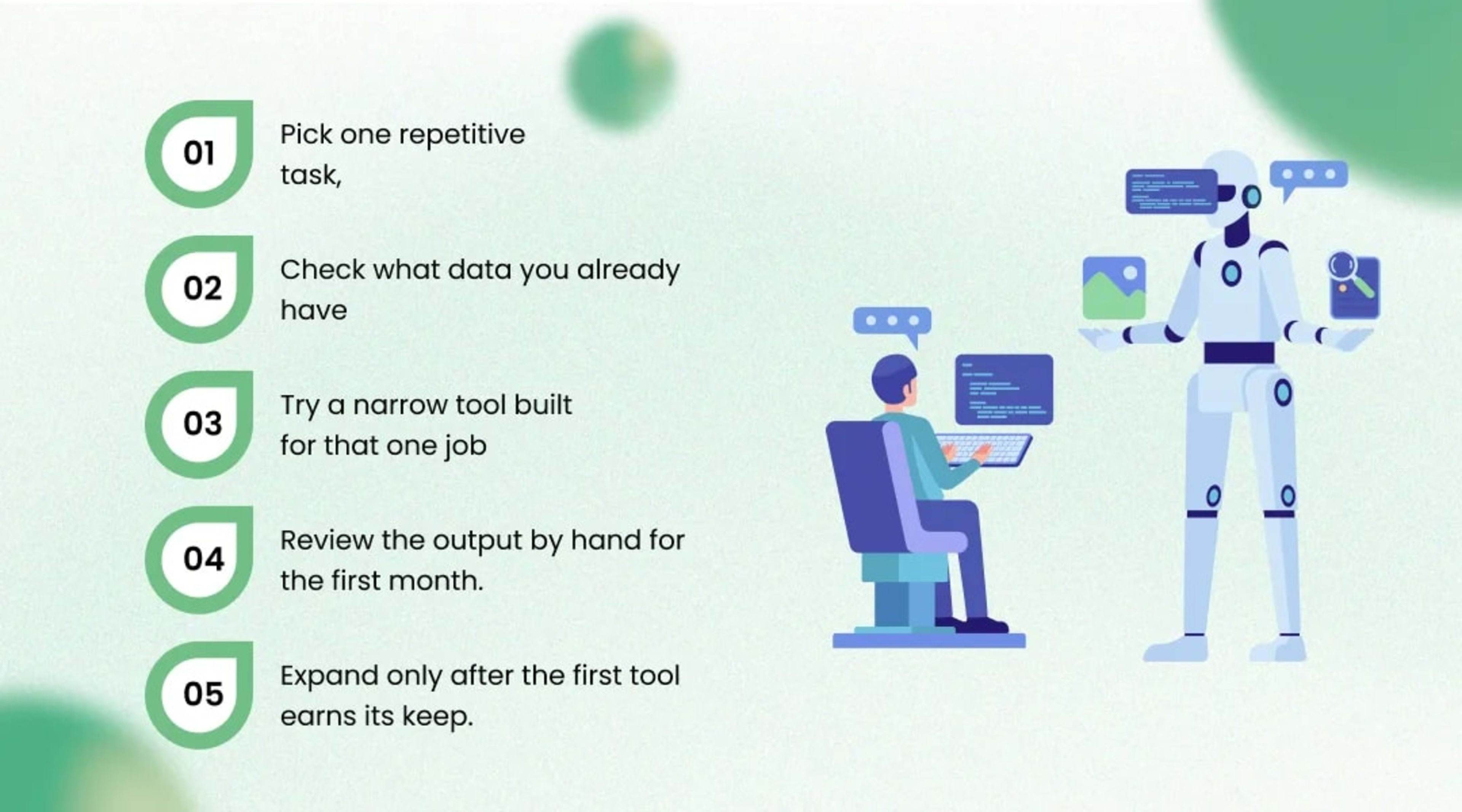
Pick one repetitive task, not five. Something you or an employee does the same way most days, like drafting follow-up emails or sorting support tickets.
Check what data you already have for that task. Past emails, call logs, and spreadsheets count.
Try a narrow tool built for that one job rather than a do-everything platform. Narrow tools are cheaper and easier to judge.
Review the output by hand for the first month. Don't automate the final decision until you trust the pattern.
Expand only after the first tool earns its keep. Add a second use case once the first is running with minimal supervision.
If steps two and three feel overwhelming on your own, many owners bring in outside AI development services to shorten the trial-and-error phase, particularly for anything involving customer data or existing internal software.
You don't need to understand every layer of the technology to use it well. You need one clear, repetitive problem, a bit of your own data, and a willingness to check the results by hand at first. Start smaller than feels necessary. It's easier to expand a tool that's already working than to fix one you rushed into everywhere at once.
If you'd rather skip the guesswork, artificial intelligence company teams like ours spend most of our time helping business owners figure out exactly that: which task to automate first, and how to do it without breaking what already works.
No. Machine learning is one method used to build AI systems, specifically the one where a model learns patterns from data. AI is the broader goal (machines performing tasks that need human-like judgment), and machine learning is one common way to get there.
Costs vary widely, from free tiers of writing or chatbot tools to several hundred dollars a month for more specialized software, plus the time your team spends reviewing output. Custom-built AI systems cost more upfront but can be tailored to a specific workflow.
Usually not entirely. AI tends to take over repetitive sub-tasks within a role, which shifts what an employee spends time on rather than eliminating the position outright, though this varies by industry and task.
For most off-the-shelf tools, no. You need to know your own workflow well enough to judge whether the AI's output is actually correct, which matters more than coding ability.
Regular automation follows fixed if-this-then-that rules you set in advance. AI makes predictions or generates content based on patterns it learned from data, so it can handle situations you didn't explicitly program for.
Founder & CEO
Divyang Mandani is the CEO of KriraAI, driving innovative AI and IT solutions with a focus on transformative technology, ethical AI, and impactful digital strategies for businesses worldwide.